User Education: Scam & Phishing Emails
It’s not only IT departments that need to be aware of suspicious email activity; all users need to make themselves aware of what a suspicious email look like.

It’s not only IT departments that need to be aware of suspicious email activity; all users need to make themselves aware of what a suspicious email look like.
In today’s rapidly evolving technological landscape, there are a plethora of harmful threats to your computer systems, networks, and users. These are categorized overall as “malware”, and contain viruses, scams, adware, Trojans, bots, and phishing emails. This post attempts to explain some of these threats, as well as what to look for to protect yourself from becoming a victim of malicious software.
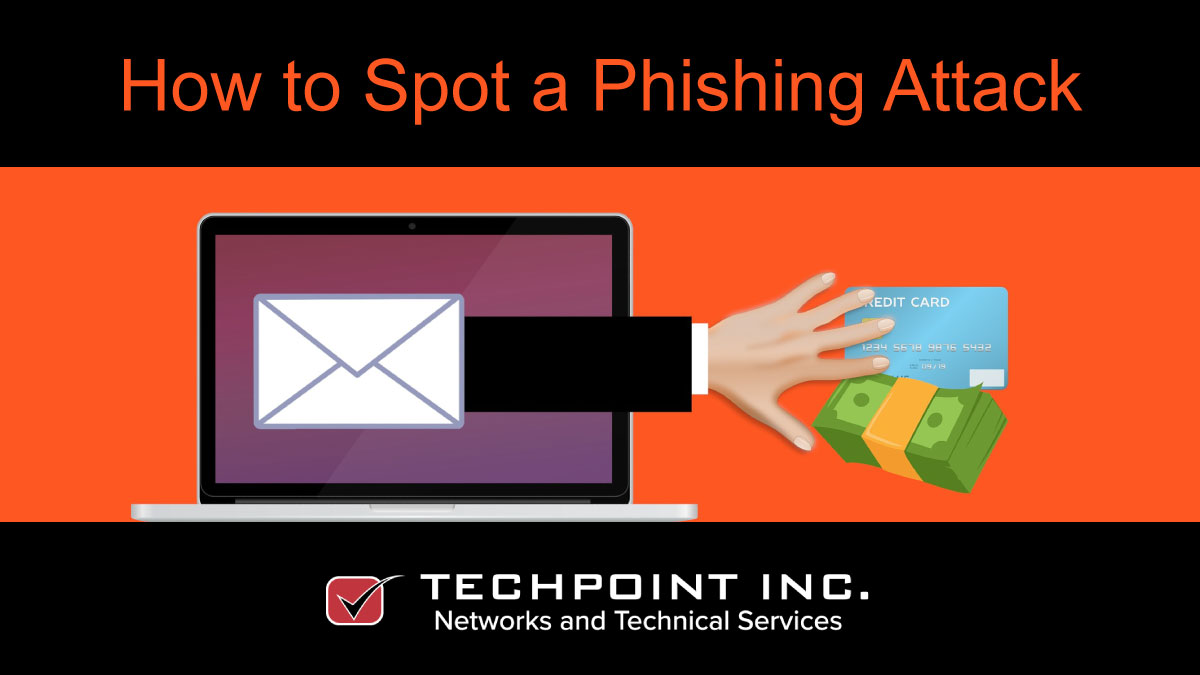
Recently, there’s been a lot of fake email that looks very authentic. Much of it contains phishing links to get you to give up financial info. Find out more.
Everyone gets spam in their mailboxes. whether useless junk, phishing & social malware, or Trojans that unleash a virus onto your computer or network!
Managing an IT network can be complex, and software is available to make the task simpler, but investing in the wrong system or a bad implementation can result in more complexity or a poor ROI.
IT for Beginners: Security Systems. Continuing on with our ‘IT for Beginners’ series, today, we’ll talk a little bit about security systems; why you need them, what they are, and how they fit into your overall infrastructure.