
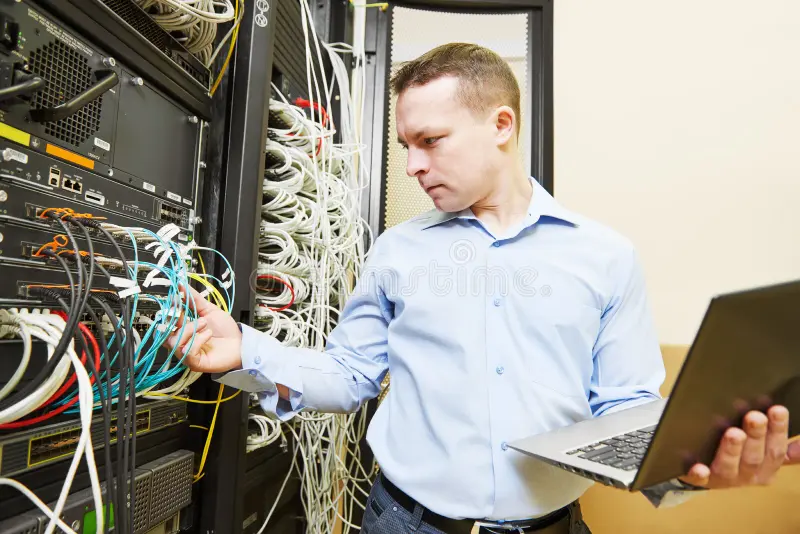
In today’s world, where connectivity is crucial for both personal and business operations, computer network troubleshooting has become an essential skill. A network can experience various issues, from slow performance to complete outages, making it vital for users and IT professionals to understand how to efficiently diagnose and resolve these problems.
The first step in troubleshooting is to define the problem clearly. Is it a single device that is not connecting, or is there a widespread failure across the network? Gathering as much information as possible about the symptoms helps pinpoint the source of the issue. This can involve checking for error messages, testing device connectivity, and confirming configurations.
Next, it is important to employ a systematic approach. Start with the simplest solutions; check physical connections like cables and power sources. Often, minor issues such as an unplugged cable or a malfunctioning switch can lead to major headaches. Once basic connectivity is confirmed, move on to examining the network configuration settings. This can include verifying IP addresses, subnet masks, and gateway settings to ensure that devices are properly configured to communicate with one another.
For more complex problems, tools like ping tests, traceroutes, and network analyzers come into play. These tools help diagnose connectivity issues by mapping the pathway that data takes to reach its destination. By identifying where the breakdown occurs, network administrators can target their troubleshooting efforts more effectively.
Security should always be a consideration during troubleshooting. Ensure that firewalls and security settings are not inadvertently blocking legitimate traffic. Additionally, software updates may resolve bugs or vulnerabilities that affect network performance. Keeping devices and software up to date is an essential preventative measure to avoid future issues.
Documentation is also a critical aspect of successful troubleshooting. Keeping a record of previous incidents, resolutions, and network changes helps create a knowledge base that can streamline future troubleshooting efforts. By learning from past experiences, IT teams can develop best practices that enhance overall network stability.
Finally, engaging with users during the troubleshooting process fosters a collaborative environment. Their insights and experiences can provide valuable context that aids in identifying the root cause of an issue. By maintaining open lines of communication, IT professionals can ensure that users feel supported and informed throughout any network challenges.
Computer network troubleshooting is not merely a reactive measure; it’s part of a proactive strategy that ensures smooth operations. By applying systematic approaches and leveraging the right tools, users and IT professionals can keep networks running efficiently, minimizing downtime and maximizing productivity.
Whether you are a seasoned IT specialist or a casual user, understanding the fundamentals of network troubleshooting empowers you to tackle connectivity challenges head-on. And if you need help with your IT network, contact TechPoint for support.