
Business is running well and you want to ensure you use the right apps. Open source software can match the paid programs you currently use, but is it any good?

Many have worked with a slow network; it takes 5 minutes to logon, programs hang up, & web browsers crawl. It’s frustrating, but you can minimize these issues.
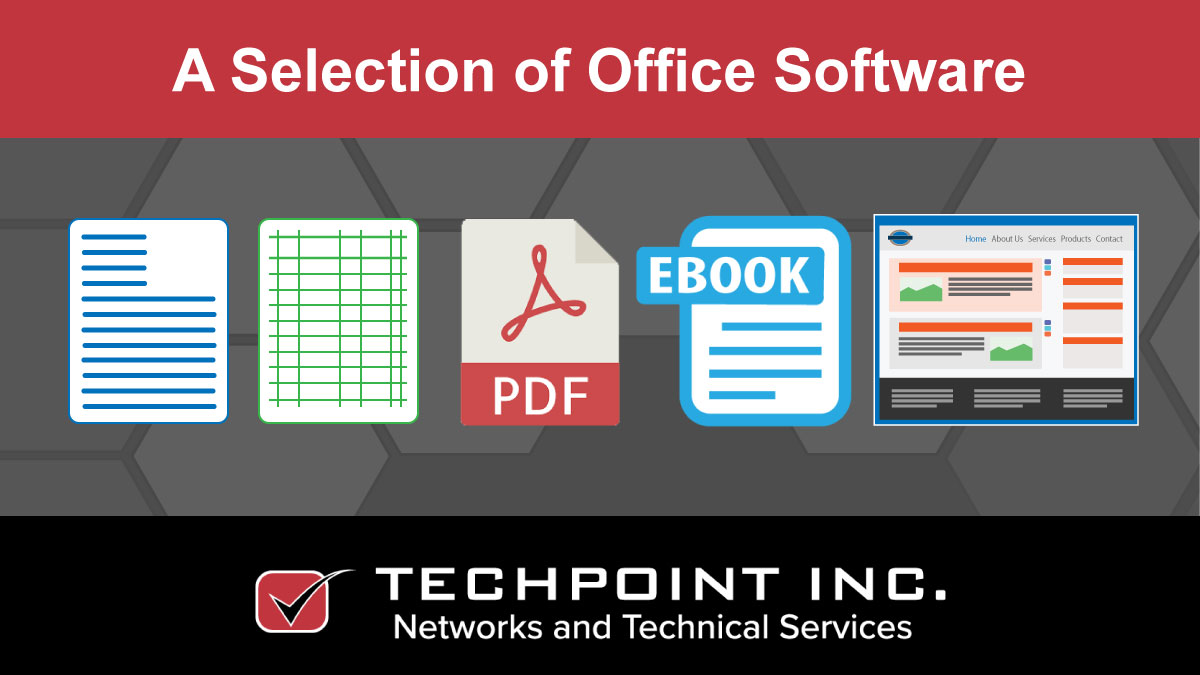
Most people who use any type of computing device also use some kind of office-related software – or they are at least aware of it. Office suites typically contain a range of productivity applications, such as a word processor, spreadsheet, presentation program, a simple image editor, and maybe a database or contact manager. Many users immediately think of Microsoft Office when you mention office software, however, there are other products too that may be worth considering before you make a choice, most of which allow you to export to other formats, so you can exchange files with users of other systems.
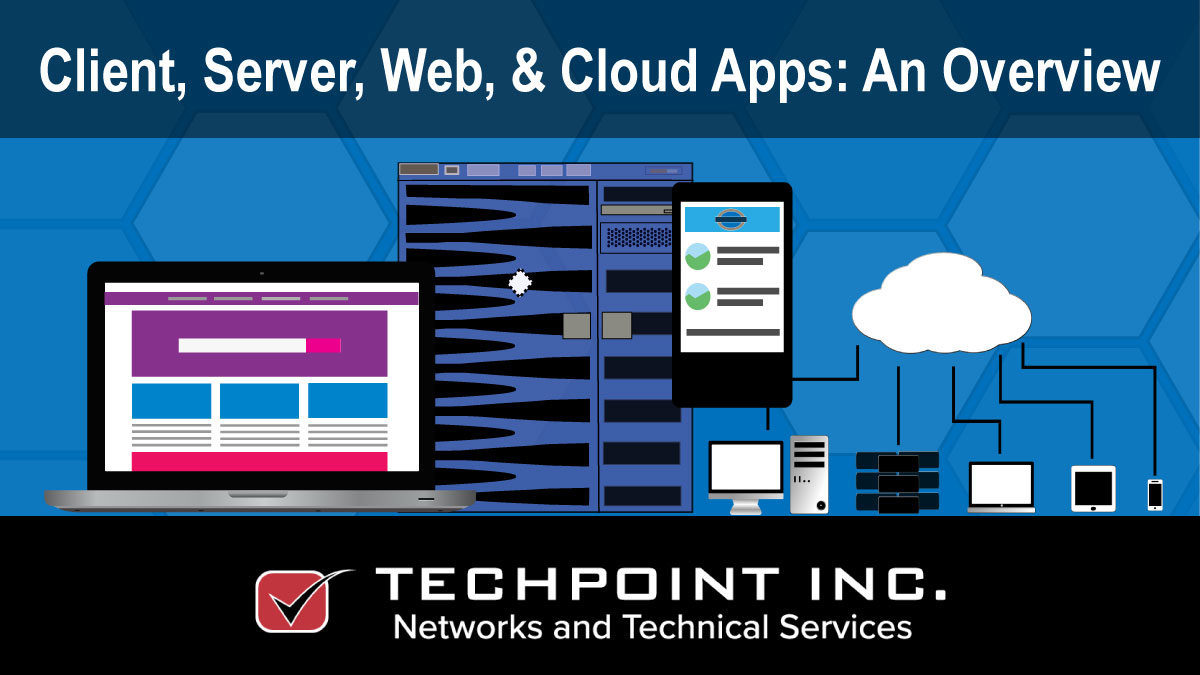
When we discuss computer programs, we think about those installed on a desktop, but there are server, cloud & web-based applications too. What’s the difference?