Expanding Your Network Best Practices
Expanding your office network can be as simple as adding on another switch, but as business networks become more complex, it pays to follow some best practices.

Expanding your office network can be as simple as adding on another switch, but as business networks become more complex, it pays to follow some best practices.
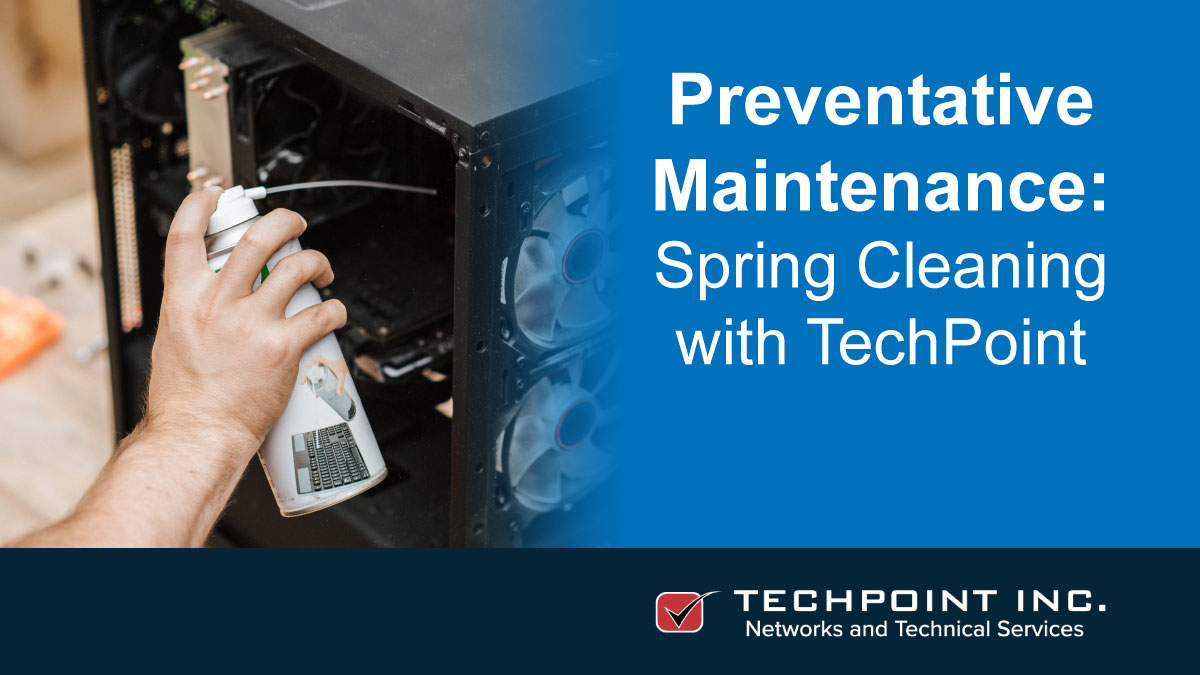
Spring cleaning is never very popular, especially when it comes to IT equipment, so why not let TechPoint help clean out with their Preventative Maintenance Program.

Get 15% off your first on-site tune-up! Ensure your IT infrastructure is fit and healthy enough to take on the Summer season without disruptive, costly downtime.
Improving performance of your Windows 10 Computer. Computer speed is always a hot topic; phrases like ‘why is my PC so slow’ are commonplace in any office. Here are a few tips for keeping your PC optimized.
IT for Beginners: Security Systems. Continuing on with our ‘IT for Beginners’ series, today, we’ll talk a little bit about security systems; why you need them, what they are, and how they fit into your overall infrastructure.

Welcome to TechPoint, bringing a broad range of IT support services, when and where you need them. Here’s how you can get in touch, and stay in touch.
To many businesses, especially small ones, the concept of systems management can be vague to say the least. So what is it?
When Microsoft release a new update or a new version of Windows, users should be aware that failure to run the updates or upgrade could make their systems vulnerable to security risks, viruses, software failures, or hardware malfunctions. So what’s the best way to run these updates?
Call TechPoint to schedule an on-site visit to inspect your POS and all office equipment devices. This inspection ensures your business that your equipment will perform as designed, as well as find and correct possible device malfunctions. TechPoint will also provide some general cleaning to the devices where the device is in jeopardy of failure if not maintained.
TechPoint has helped many businesses with computer & network installs, upgrades & migrations. With that experience in mind, here are some hints and tips to plan you plan for a successful migration.