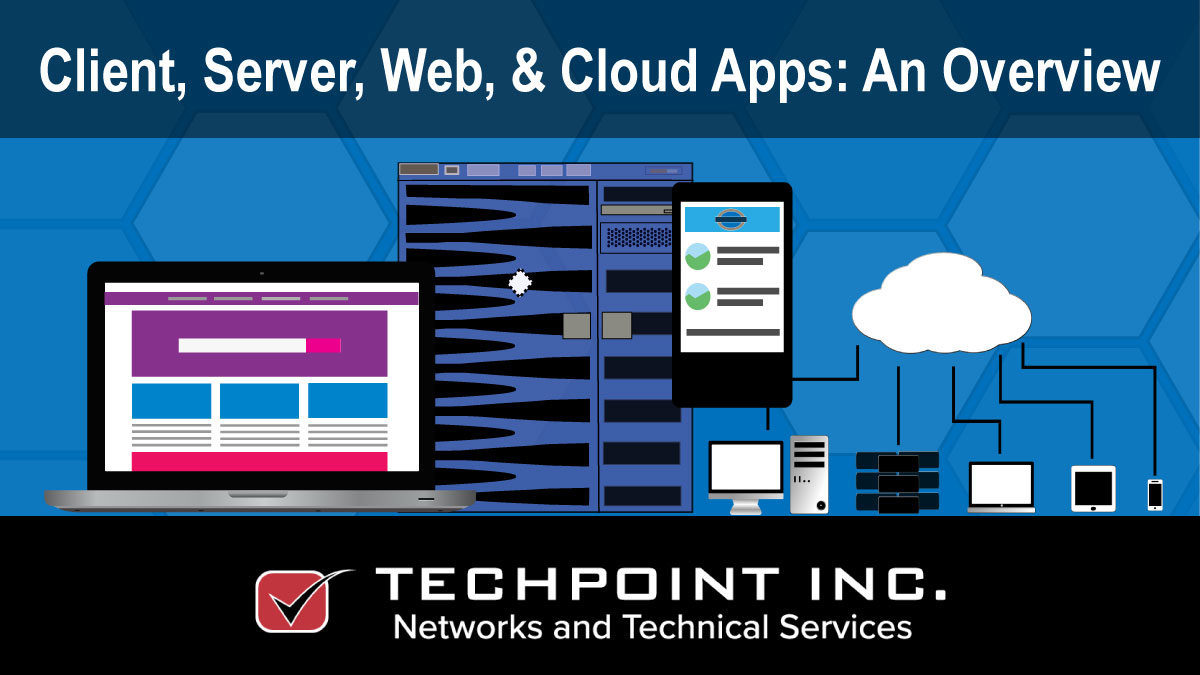
by Site Admin | Sep 7, 2021 | Applications, Cloud Technology, Desktop, Internet, Servers, Workstations
When we discuss computer programs, we think about those installed on a desktop, but there are server, cloud & web-based applications too. What’s the difference?
by Site Admin | Aug 24, 2021 | hardware, Infrastructure, Network, Operating System, Servers, Systems Management, Technology, TechPoint, Workstations
We’ve discussed the difference between desktop computers & servers, and talked about right-sizing your server, so lets take a look at them in a bit more depth.

by Site Admin | May 21, 2021 | Desktop, Operating System, Servers, Technology, TechPoint, Windows 10, Workstations
Here we outline some key operating systems. First, we’ll review what an OS is, then highlight the differences between desktop and server operating systems (OS).
by Site Admin | Mar 29, 2021 | Desktop, Support, Windows 10, Workstations
Improving performance of your Windows 10 Computer. Computer speed is always a hot topic; phrases like ‘why is my PC so slow’ are commonplace in any office. Here are a few tips for keeping your PC optimized.
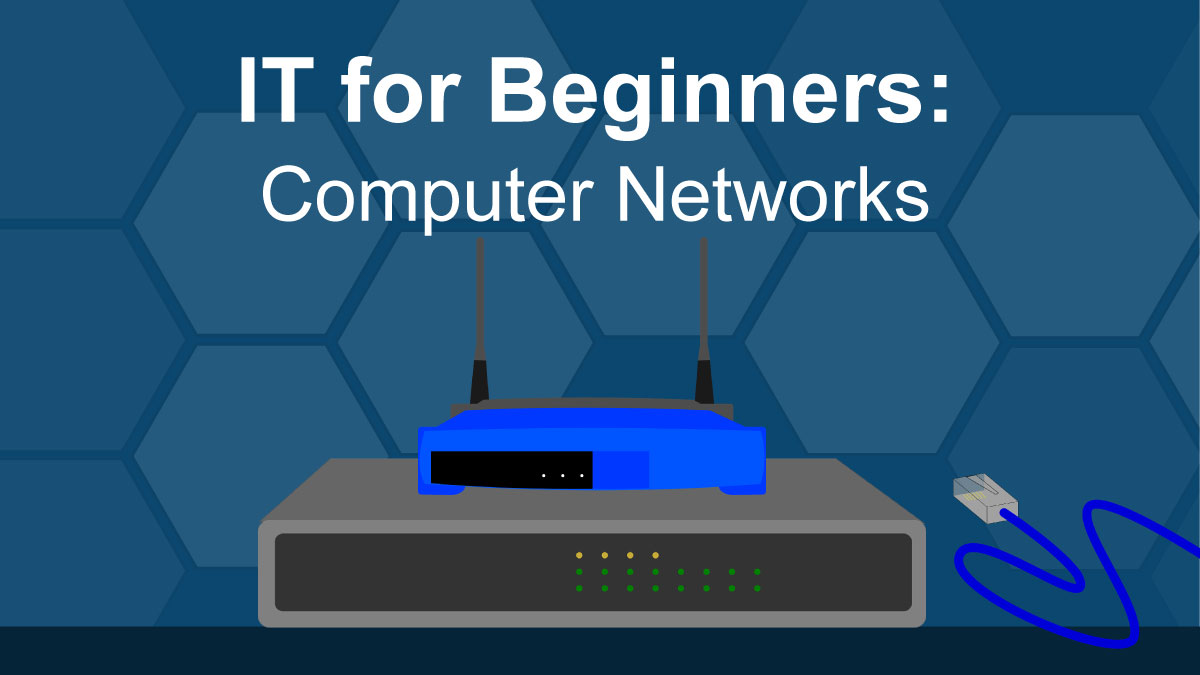
by Site Admin | Feb 23, 2021 | Desktop, hardware, IT, Servers, Technology, TechPoint, Workstations
Following on from our previous post about the differences between workstations and servers, we’ll now move on to the hardware that makes it possible for workstations, servers, and mobile devices to talk to each other – network hardware.
by Site Admin | Feb 10, 2021 | Desktop, hardware, IT, Servers, Technology, TechPoint, Workstations
Almost everyone interacts with workstations or some other type of computerized device every day. Whether you’re searching for information, purchasing tickets, booking a flight, or watching TV, there’s a computer chip in your device somewhere. but when it comes to computers and technology, many don’t understand the difference between a desktop computer and a server, a file browser and a web browser, or a website and a Facebook page. This new series of short posts helps to iron out some of that confusion and fill in those knowledge gaps.
